

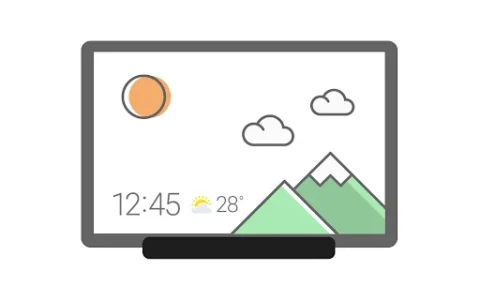

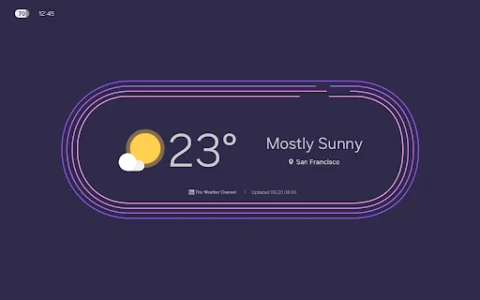



When charging a tablet, Daily Board transforms the device into a comprehensive information hub and personalized display. This app allows users to access essential daily information like time, weather, and calendar events, designed to be easily readable even from a distance. Beyond practical data, it also serves as a dynamic photo frame, showcasing personal albums or shared memories. A night theme is available to help reduce glare during nighttime use, enhancing comfort.
Information at a Glance
Daily Board presents time, weather, and calendar information in a visually refined manner, with customizable layouts to suit individual preferences. This allows users to arrange these elements in their desired shape, ensuring key details are always prominent and accessible without needing to interact directly with the tablet.
Personalized Photo Display
The app features a Photo Slide Show capability, enabling users to view albums created within Samsung Gallery. It can also integrate with Samsung Experience Service to display photos shared by friends and family. Furthermore, users can add specific images, such as a favorite painting, to use the tablet as a decorative piece, personalizing their environment while the device charges.
Interactive Memo Board
Daily Board includes a Memo Board function where users can post various notes. This can range from a personal to-do list, to messages for family members, or even drawings created by a child. Family members can easily check these memos at any time. An additional Live memo mode presents these notes with an animated view, which can be toggled from the bottom-right section of the Memo Board screen.
Integrated Controls
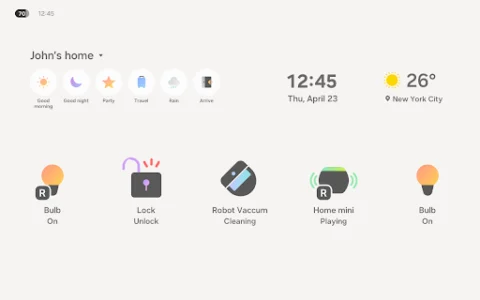
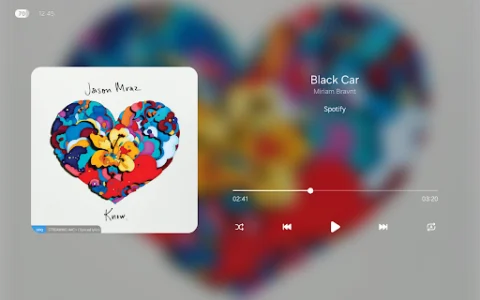
For convenience, Daily Board offers a Music Controller, allowing users to play, pause, or skip tracks directly from the display. It also incorporates a SmartThings board. This integration provides a quick overview of the status of devices registered with SmartThings, enabling easy and convenient control of smart home components at a glance.
Access and Permissions
When a tablet is connected to a USB charger, Daily Board can be launched by tapping a quick launch icon that appears on the navigation bar. This quick launch option is available specifically when the navigation bar style is set to Navigation buttons. The app requires permission for notifications to function as intended, which can be managed through the device’s settings under Settings > Apps > Daily Board > Permissions.














Write a review